
Best Practices for Cybersecurity with Google Authentication
Four essential steps every business should take to lock down Google Workspace — from enabling 2FA to auditing connected apps. Written by Google Cloud Partners who implement this every day.
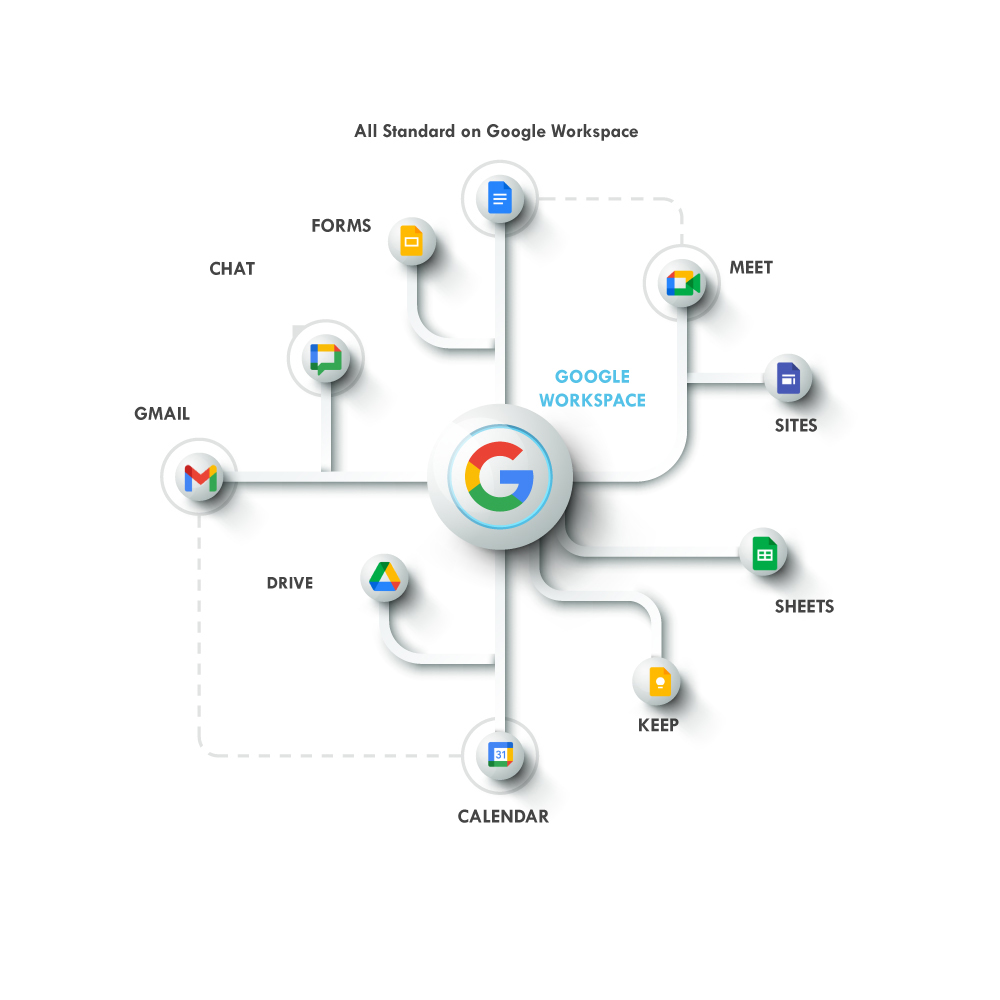
The 4 Core Best Practices
Enable Two-Factor Authentication (2FA)
Two-factor authentication is the single most effective step you can take to protect your Google Workspace account. It requires not only your password but a second form of verification — typically a code sent to your phone, a hardware key, or a Google prompt — before granting access.
Even if an attacker obtains your password through phishing or a data breach, 2FA stops them cold. Google reports that adding a phone-based second factor blocks 100% of automated bot attacks and the vast majority of targeted phishing attempts.
For Google Workspace admins, go further:
- Enforce 2FA org-wide from the Admin Console — don't leave it optional
- Consider requiring physical security keys (e.g. Titan Key) for high-privilege accounts
- Set an enrollment period and monitor compliance from the Security dashboard
- Enable Advanced Protection for executives and anyone with access to sensitive data
Why it matters: Over 80% of hacking-related breaches involve stolen or weak credentials. 2FA is your best single countermeasure.
Regularly Review Connected Apps and Websites
Every time a user grants a third-party app access to their Google account, that app becomes a potential entry point into your organization's data. Over time, employees accumulate dozens of connected apps — many of which are forgotten, unused, or no longer maintained by their developers.
Periodically auditing and removing unnecessary OAuth grants is a critical hygiene task that most businesses overlook. A compromised third-party app can silently exfiltrate email, calendar data, and Drive files.
Recommended audit steps for admins:
- In the Admin Console, navigate to Security → API controls → App access control
- Review all apps with access to Google data — flag any you don't recognize
- Block or restrict apps that aren't business-justified
- Enable domain-wide app allowlisting to prevent unauthorized OAuth grants
- Schedule this audit at minimum once per quarter
Why it matters: A malicious or abandoned OAuth app can retain access to your data indefinitely — even after employees change their passwords.
Keep Software and Integrations Up to Date
Outdated software is one of the most common and avoidable attack vectors in any organization. Every application connected to your Google Workspace environment — browsers, desktop sync clients, third-party integrations, Chrome extensions — should be running its latest version.
Software vendors regularly release security patches to fix known vulnerabilities. Delaying those updates leaves your organization exposed to exploits that are already publicly documented.
Update hygiene checklist:
- Enable automatic updates for Chrome and Chrome OS across your fleet
- Keep the Google Drive desktop sync client current on all employee devices
- Use Chrome Enterprise to enforce browser policy and update schedules
- Audit Chrome extensions — remove any that are unverified or rarely used
- Patch operating systems on a regular schedule (don't wait for incidents)
Why it matters: The majority of successful cyberattacks exploit known vulnerabilities for which a patch already existed at the time of the breach.
Use Strong, Unique Passwords
Reusing passwords across services is one of the fastest ways to get compromised. When any service your employees use suffers a data breach, attackers immediately test those leaked credentials against Google, Microsoft, and every other platform — a technique called credential stuffing.
Every Google Workspace account should have a password that is unique to Google and strong enough to resist brute-force attacks.
Password requirements to enforce:
- Minimum 14 characters — longer is always better
- Mix of uppercase, lowercase, numbers, and symbols
- Never reused from another service
- Changed immediately if a breach is suspected
For most organizations, the best solution is a business password manager that generates and stores unique credentials for every service. Combined with 2FA, strong unique passwords make credential-based attacks effectively impossible.
Google Workspace admins can also enforce minimum password length and strength requirements org-wide from the Admin Console under Security → Password management.
Why it matters:Credential stuffing attacks use breached passwords from other sites. A unique Google password means a breach elsewhere can't cascade into your Workspace.
6 More Quick Security Wins
Use Passkeys
Google now supports passkeys — phishing-resistant credentials tied to your device. Enable them for all admin accounts.
Security Audit Log
Review the Admin Console security audit log monthly to catch unusual login patterns, failed attempts, or unexpected access.
Enable Gmail Warnings
Turn on external reply warnings and suspicious link banners in Gmail to give users a real-time heads-up before they click.
Context-Aware Access
Use Google's Context-Aware Access to restrict logins based on device health, location, and network — not just credentials.
DLP Rules
Configure Data Loss Prevention rules in Google Drive and Gmail to prevent sensitive data from leaving your organization.
Mobile Device Management
Enforce screen locks, remote wipe, and app policies on all mobile devices accessing Google Workspace through Endpoint Management.
Who We Work With
Google Workspace for Small Business
Iron Cove Solutions offers tailored Deployment and Support packages designed specifically for small businesses. Our "Small Business Package" is affordable and structured to quickly set up identity and access management within your Google environment. We are experts in Google Workspace deployments.
Google Workspace for Non-Profits
We help non-profit organizations implement Google Workspace with deployment plans tailored to your budget and specific needs — ensuring access to secure, affordable identity and access management at every step.
Google Workspace Cloud Managed Support
Our Google Workspace services help organizations maintain a secure environment both during and after deployment. Whether you've already implemented Google Cloud or are just beginning, we offer support packages that ensure every business has the security, management, and support it needs.
Need Help Securing Your Google Workspace?
Iron Cove Solutions is a Google Cloud Partner. We enforce these best practices for businesses every day — let us do the same for you.
Talk to us
Phone & Hours
(213) 545-0601Monday-Friday: 9am to 5pm
Join Our Newsletter
© 2026 | Iron Cove Solutions| Privacy | Simplifying Cloud-Based Intention